Friday, December 15, 2017

Final Portfolio

Please take a look at the blog and your grades and upload any work that you might have missed.

Make sure that all of the pictures have been DESATURATED - Converted to Black and White.

If you are sure that all of your assignments are up to date then begin work on your Final Portfolio.

Here are some good examples of past Final Portfolios:

http://elizabethpphoto13afall16.blogspot.com/

http://connorlphoto13afall16.blogspot.com/2016/12/final-portfolio.html

In the first section you will post your 15 strongest images from the semester and provide a brief critique of each including 1 very strong element and 1 element you could improve upon. NOTE- Pick something from the Critique Guide.

In the second part you will provide an assessment of your portfolio and your work ethic.


Overall Portfolio-Semester work

Please answer the following questions about your overall work this semester  using the 1-4 scale: 

1=Not at all, 2=Somewhat, 3=Mostly, 4=Absolutely

I completed my assignments on time 1 2 3 4

I fulfilled all assignments 1 2 3 4

Made good use of class time 1 2 3 4

Used a creative approach 1 2 3 4

My pictures unique and original 1 2 3 4

My craftsmanship is excellent 1 2 3 4

My images are sharp and focused 1 2 3 4

My images are well composed 1 2 3 4

My images have good contrast and exposure 1 2 3 4

My photography sets a mood 1 2 3 4

Tuesday, December 12, 2017

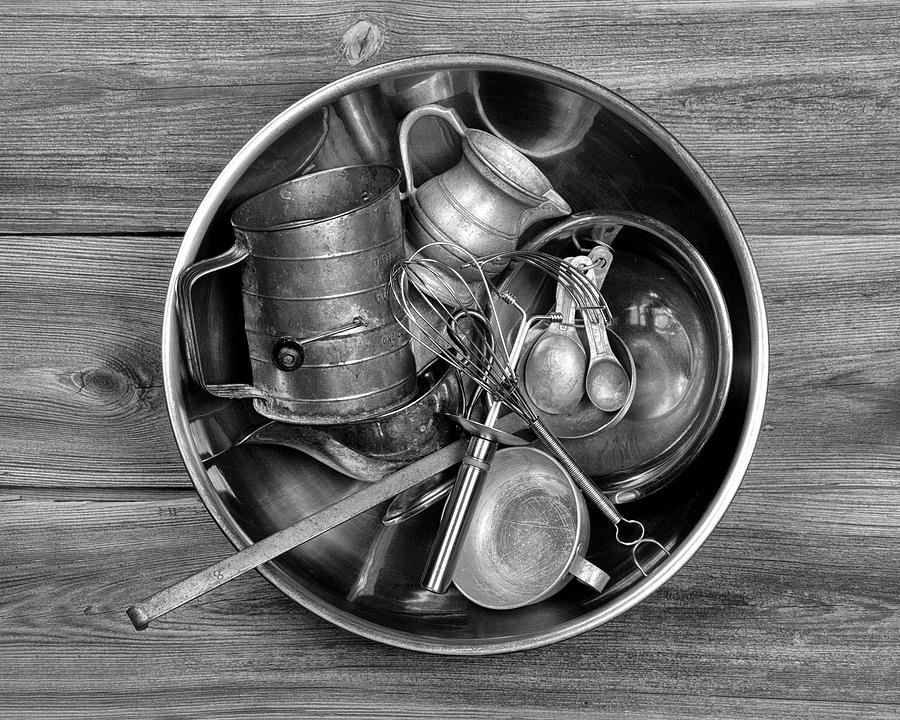
Still Life and Controlled lighting

Set up your still life and take multiple images.I demonstrted this in last class.
Download to photoshop and Edit - Desaturate - Crop - Dodge Burn - Etc
Upload to your blog - Title it "Still Life"


Wednesday, November 29, 2017

Creating a Surreal Collage in Photoshop

Take a look at Surrealism. Salvador Dali is one of the more famous surrealist painters, but the style has moved into photography as well.

Surrealism attempts to channel the unconscious as a means to unlock tghe power of dreams and imagination.

Next we will work on a collage in photoshop.
We'll make a collage with the photos in this post.
I will give step by step instructions in class.
Next time you will use your own photos to make a collage.

Download the pictures below to your computer. Click on then to enlarge then download:


Monday, November 27, 2017

Write Your critiques on the Antique Store photos

Today you will write TWO thorough critiques using the Critique Guide.

1. the first will be a critique of one of your pictures from the antique stores. Include a copy of the picture with your critique.

2. The second will be a critique of one of your classmates pictures from the antique stores. Include the picture.

Here is a good example of a written critique:

http://jessicamphoto13afall16.blogspot.com/2016/09/personal-critique-of-ozark-square.html

Monday, November 20, 2017

Edit and Post Your Antique Store Images

Edit and Post the Antique Store from the field trip.

Crop, De-saturate and adjust Levels to get the best possible  image. 

All photos must be in Black and White. You may upload color pictures, but there must also be a Black and White version.

Your uploaded pictures should include :
  • 3 Still Life including at least 1 with a definite Focal Point and at least 1 that includes Repetition of the Elements
  • 3  Details - either Close ups or Textures
  • 3-5 additional pictures of your choice from the field trip

Tuesday, November 14, 2017

Catch-Up Day or Creative Expression

Many if most of you have at least one project that you have not turned in. Please use this class to catch up on a many projects as you can. 

Over half of the class have not completed the "New Photographers" assignment.

The Antique Store Field trip is next class and we'll spend the rest of the classes before Thanksgiving editing and writing critiques.

Grades will be posted on Monday.

Over half of the class have not completed the "New Photographers" assignment.

If you are completely up to date on all of your projects then use all of the knowledge and creativity you possess to make a very cool work of art.

Some ideas...

Use the Clone tool to make an abstract artwork
Use the Color Saturation tool to manipulate the color balance in a photo
Use Filters
Find an advanced technique in Photoshop to use
Go back and re-edit pictures from past field trips

Or choose something of your own.

Friday, November 10, 2017

Photoshop Text Effects and More

Today we'll have some fun with Text. First, I'll show you how to add images in text, it will end up looking something like this:


You can find the tutorial at this link:

Next, pick a text effect from the link below and follow the instructions to create one of your own.

 Save both pictures as jpeg files and post them to your blog titled "Photoshop Text Effects"

Final Portfolio

Please take a look at the blog and your grades and upload any work that you might have missed. Make sure that all of the pictures have been...